

Pictures have become one of the best ways to talk to people online. If you’re involved in any kind of online business like selling things on your website, using social media, listing products on marketplaces, or running ads, having good quality pictures is really important. It helps potential customers notice what you’re selling.
One of the main things people do to make their photos look professional these days is edit the background, which makes the whole image sharper, cleaner, and just better.These days, businesses and creators really rely on good photo editing, especially when it comes to backgrounds, to make their images look sharp and keep up a professional vibe online. Luckily, advanced photo and background editing is now pretty straightforward. With AI-powered tools and new software, anyone can make a picture look professional, even if they don’t have much experience with editing photos.
Background editing has become a huge part of creating visual content nowadays. It’s used for everything from product photos on online stores to YouTube thumbnails and social media marketing. This guide will give you all the info you need about editing backgrounds professionally, making transparent images, using AI editing tools, and finding new ways to make your pictures really get noticed online.
You can also explore more creative editing resources here: Saivion India Graphic Online Free Blog
Why Editing Background Matters
What’s in the background of a photo really changes how people see the whole thing. Even a really good photo can end up looking unprofessional if there’s too much going on in the background, or if there are things you don’t want people to see. That’s why professional background editing comes in handy; it helps bring the main subject into focus, gets rid of distractions, and generally makes the picture look much tidier.
Businesses use background editing for multiple purposes, including:
- Product photography
- Advertising creatives
- Website banners
- Social media graphics
- Online marketplaces
- Branding campaigns
- Promotional materials
Professionally edited backgrounds help images appear more polished and visually engaging, which can improve customer trust and online engagement.
Understanding Photo and Background Editing
Photo and background editing basically means making both the main subject and its surroundings look better, so the whole picture turns out higher quality. This kind of editing uses a few different techniques all working together to get those professional-looking results.
Background Removal
Background removal is one of the most widely used editing techniques in modern photography and digital marketing. It helps remove distracting or unwanted surroundings from an image while keeping the focus entirely on the subject. This technique is especially popular in eCommerce product photography because clean visuals improve professionalism and customer trust.
Background Replacement
With background replacement, people can easily swap out a plain background for something more creative or visually appealing. If you get a background professionally replaced, it can really change how a photo looks and feels. You’ll often see this kind of editing in fashion photos, advertisements, and when people create content for social media.
Transparent Background Creation
A photo editor that is easy to see through helps us make PNG images with no backgrounds that we can see. We can use these PNG images in lots of ways.
People often use images for things, like logos and banners and websites and presentations and taking pictures of products.This way of making images helps designers put them on backgrounds without any borders or backgrounds that we do not want.
Shadow and Reflection Editing
Shadows and reflections help edited images look realistic and visually balanced. When you remove a background and then do not create proper shadows, the image will look flat or artificial. A professional editor employs shadow effects to create depth in the photograph and improve the overall presentation.
Color Correction
Using color correction can enhance the overall quality of an image so that they appear brighter, contrastier, more tonal, and visually cohesive. It allows images to look bright, balanced, and pleasing to the eye on any platform. Good color correction will significantly increase the professional look of an image when it is used in producing final images through your business.
Object Removal
Removing objects includes getting rid of any unnecessary elements in a photograph – whether it’s a wire, a mark, or a person – from a photograph. The purpose of this editing method is to make a photograph cleaner and to improve the viewer’s focus on the main subject. Examples of this technique can be found in travel photography, product editing, and real estate image editing.
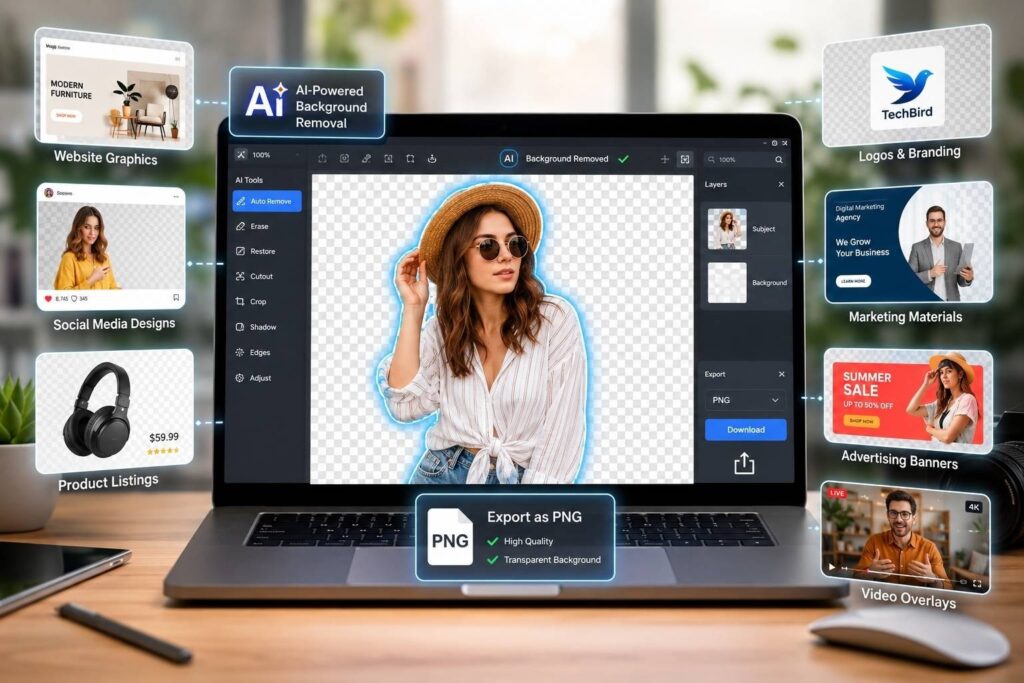
What Is a Transparent Photo Editor?
A Translucent Photo Editor is an application (software or web-based) that provides users with the ability to remove a background in an image and create a blank (as in see-through) PNG file. This means that it allows a user to isolate the main subject of an image/graphic and remove any background or unnecessary background objects inside or outside of the main subject.
Transparent images are commonly used for:
- Website graphics
- Social media designs
- Product listings
- Logos and branding
- Marketing materials
- Advertising banners
- Video overlays
Modern transparent photo editors use AI technology to automatically detect subjects and remove backgrounds within seconds, making editing much faster and easier.
Benefits of Using Transparent Photo Editor Tools
Faster Editing Process
With the ability to quickly produce transparent image backgrounds, AI-based transparent image editing software substantially decreases manual editing time and increases workflow efficiency. Users simply upload photos and will instantly create a transparent background. This application saves businesses, graphic designers, and other frequent users of numerous images considerable amounts of time.
Professional-Looking Images
Clear, crisp, and well-composed images give an instant polished appearance to anything you use. Professional editing of your visuals helps create a brand identity that establishes confidence and builds customers’ trust in your products or services. Higher quality images perform better on websites, social media platforms, and in advertising.
Better Branding
Consistent image presentation helps brands maintain a professional identity across different platforms and marketing materials. Transparent backgrounds allow logos, products, and graphics to blend smoothly into multiple designs. This creates a more organized and visually appealing brand appearance.
Easy Graphic Design Integration
Posters, thumbnails, banners, and other promotional image types may easily use transparency for any possible background-color clash or edge-shadowed border visibility with the image. Designers prefer to use PNG transparency as it gives them more flexibility in working on designs, making the process quicker and simpler overall when creating content.
Improved Marketing Performance
With more attention paid to professionally edited visuals than visuals that are not professionally edited, businesses that invest in professional editing often get better marketing results. Well-designed images (typically) lead to increased click-throughs, customer confidence and increased overall conversions. The result is that businesses that have their images edited professionally will typically receive higher marketing results.
Popular Uses of Editing Background Techniques
eCommerce Product Photography
Professional background editing is extremely important for eCommerce businesses because customers rely heavily on product visuals before making purchases. White or transparent backgrounds help products appear cleaner, more organized, and more trustworthy. High-quality product photos also improve conversion rates and overall customer confidence.
Social Media Posts
Social media platforms are highly visual, making professional editing essential for audience engagement and branding. Edited backgrounds and transparent graphics help brands create eye-catching posts that stand out in crowded feeds. Better visuals often result in increased likes, shares, comments, and interactions.
YouTube Thumbnails
Background editing helps creators design powerful YouTube thumbnails that attract viewers instantly. Bright visuals, clean cutouts, and bold background effects improve thumbnail visibility and click-through rates. Professionally edited thumbnails can significantly increase video performance and audience engagement.
Advertising Creatives
Digital advertising depends heavily on strong visuals to capture user attention quickly and effectively. Background editing allows brands to create polished and premium-looking promotional graphics. Professionally edited ad creatives improve campaign performance across social media and search platforms.
Real Estate Photography
Real estate image modification uses editing techniques to enhance the appearance of property images by improving the appearance of skies, lighting, and overall presentation quality. Editors typically remove distracting objects from property images and adjust boring backgrounds in order to develop more appealing images visually. By using professionally enhanced property images, real estate agents are able to attract more potential buyers and increase the total number of inquiries about the properties.
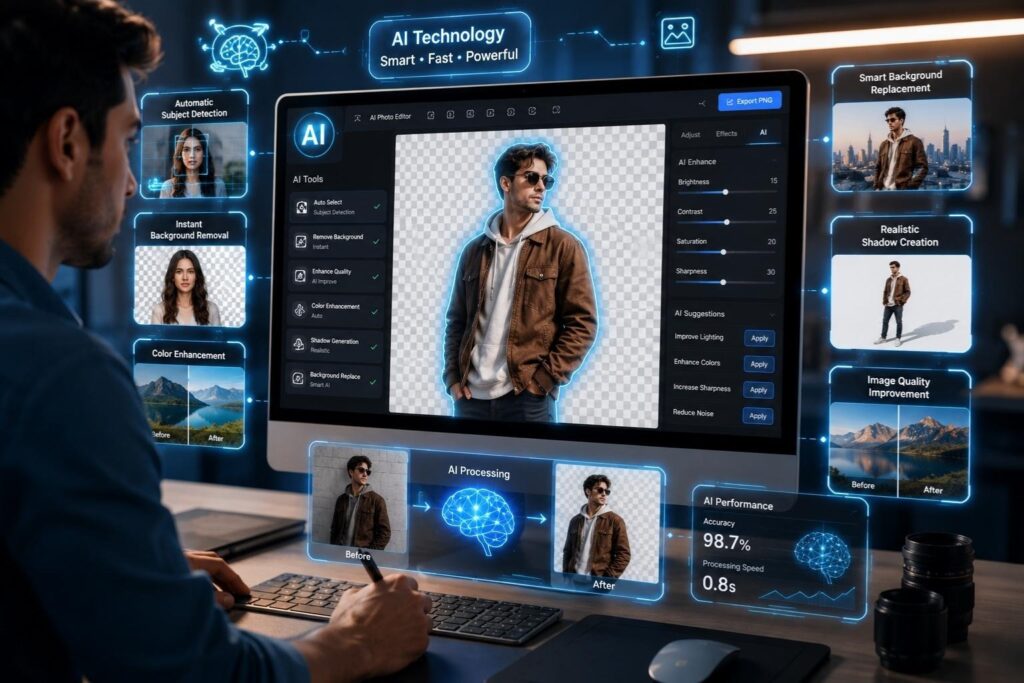
AI Technology in Photo and Background Editing
The image editing industry has been transformed completely by artificial intelligence. Traditional image editing methods relied on advanced skills in Photoshop as well as many hours of manual labour. The latest generation of AI tools automates the majority of the editing tasks that would take hours to perform manually in a matter of seconds.
AI-powered editing tools can:
- Detect subjects automatically
- Remove backgrounds instantly
- Improve image quality
- Add realistic shadows
- Enhance colors automatically
- Replace backgrounds intelligently
This technology has made professional-level editing accessible to beginners, businesses, and content creators without requiring advanced technical expertise.
Features to Look for in a Transparent Photo Editor
Accurate Edge Detection
A high-quality transparent photo editor should provide smooth and accurate edge detection for professional results. Fine details like hair, fur, and fabric require precise editing to avoid rough outlines. Advanced AI technology helps create cleaner and more natural cutouts.
High-Resolution Export
Professional-quality image exports are important for maintaining sharpness and visual clarity. Low-quality exports can reduce professionalism and make images appear blurry or pixelated. Businesses and designers should always choose tools that support high-resolution downloads.
PNG Transparency Support
PNG transparency support allows users to save images without visible backgrounds while preserving image quality. Transparent PNG files are widely used in graphic design, web design, and marketing projects. This format provides flexibility for using images across different platforms.
AI-Powered Editing
AI-powered editing simplifies complex editing tasks and speeds up the entire workflow. Automated tools help beginners achieve professional-looking results quickly without advanced editing knowledge. Modern AI systems continue improving accuracy and efficiency in image editing.
Batch Processing
Batch processing allows businesses to edit multiple images at the same time, improving productivity significantly. This feature is especially useful for eCommerce stores and agencies handling large volumes of photos daily. Faster workflows save both time and operational costs.
Easy Interface
Beginners can easily create professional-looking visual content on their own using user-friendly editing interfaces. Accessibility for all users is further enhanced through one-click editing tools and drag-and-drop functions. By providing simple and intuitive user interfaces, the process of editing is more efficient and seamless.
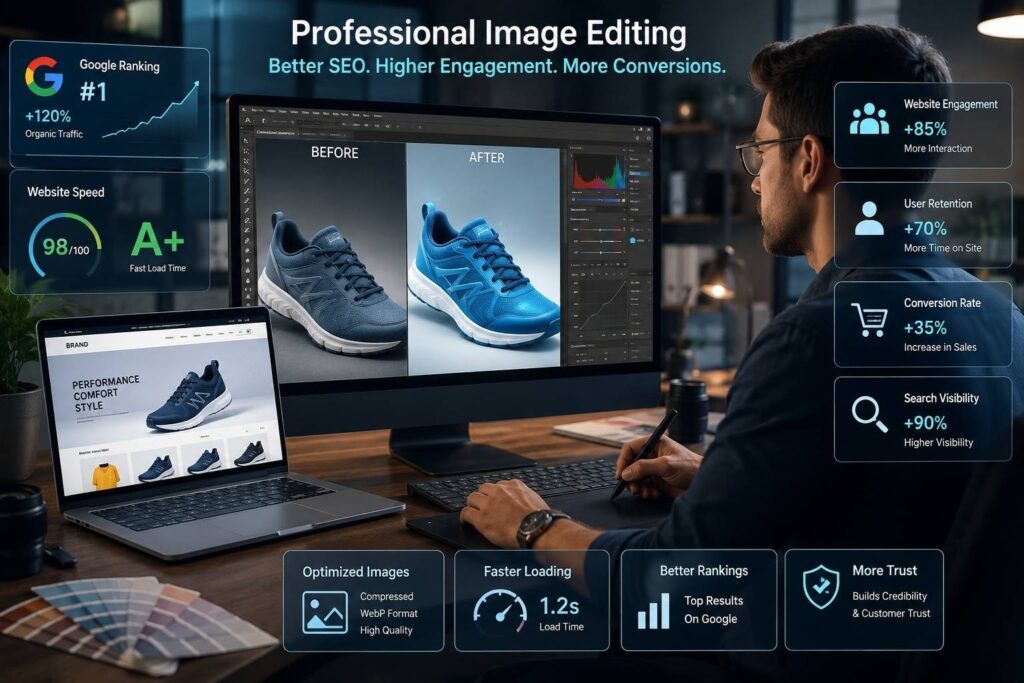
Why Professional Image Editing Matters for SEO
Properly optimized and professionally edited images improve both user experience and website performance. Search engines like Google value websites that provide high-quality visuals and faster loading speeds.
Professional image editing helps improve:
- Website engagement
- User retention
- Conversion rates
- Search visibility
- Website loading speed
Better visuals also improve customer trust and encourage visitors to interact more with website content.
Final Thoughts
It is now key for any digital solution or company to leverage professional editing techniques for their backgrounds. Whether you are an online seller, photographer, marketer, or content creator, quality visuals can directly affect your engagement rates and conversions.
Using modern methods of photo and background editing will allow you to create visually appealing and professional images that stand out when posted online. At the same time, the emergence of AI-based editing tools has made it possible to edit images quickly and efficiently, leading the way for creative professionals to produce professional photos that are easier to create than ever before.
As technology progresses, the tools available for editing backgrounds will become more effective and advanced. Businesses and creators that invest in high-quality visuals now will continue to maintain a strong competitive advantage in the long run.
TAGS
