

Editing photos has become a must in digital content creation, regardless of whether you are a photographer, Amazon seller, social media creator, or blogger, as high-quality images will make your content more appealing in the digital world.
In the past, in order to create high-quality images through professional editing, one had to own expensive editing programs as well as have advanced technical skills; however, today, there are many free programs that allow people to easily and quickly create high-quality images.
Many available mobile apps and desktop editing programs allow users who desire professional-quality images to create those images, discounting the cost of an expensive subscription. If you are attempting to find the best alternatives to Photoshop and/or need assistance in learning how to edit photos like a professional, this article will provide information on the current tools available for each purpose and provide editing information on various editing techniques being utilized.
Why Photo Editing Is Important in Modern Content Creation
Images create the first impression online. Whether you are uploading product images, social media posts, or portfolio photos, editing helps improve the overall appearance and professionalism of your visuals.
Professional editing helps with:
- Improving brightness and color balance
- Removing unwanted objects
- Enhancing product photos
- Creating visually appealing graphics
- Building a strong brand identity
Even simple adjustments can make ordinary photos look polished and attractive.
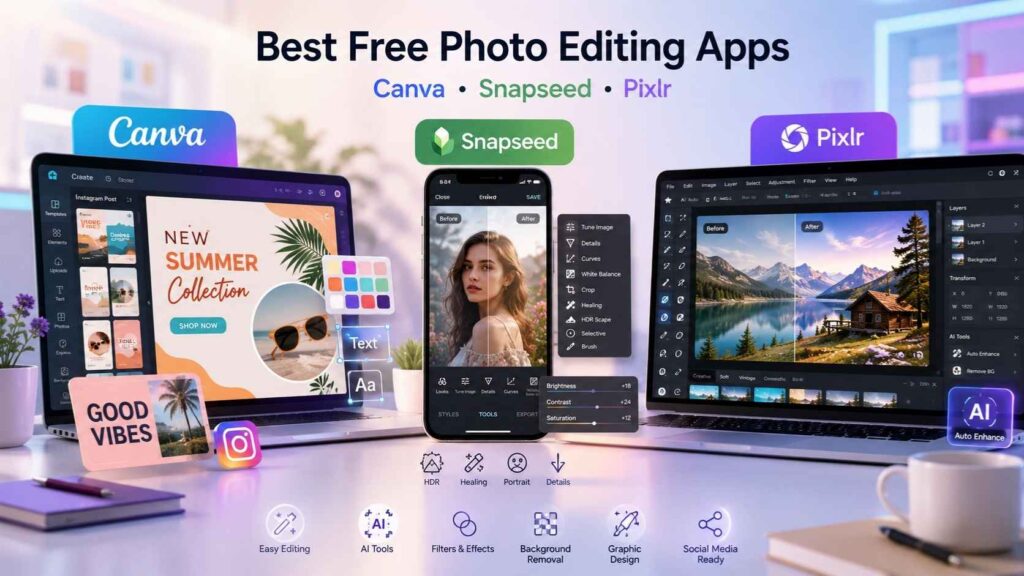
Are There Any Free Photo Editing Apps Worth Using?
There are now many free apps for editing photos, bringing many of the more advanced features that once were just found in higher-priced, premium software. These apps are useful for making quick edits to an image, creating graphics for social media, or even retouching a photo as if it had been done by a professional.
Canva
Canva is one of the most beginner-friendly editing platforms available today. It combines photo editing with graphic design tools, making it perfect for social media posts and marketing content.
Key Features of Canva
- Drag-and-drop editing interface
- Ready-made templates
- Text and graphic overlays
- Easy background editing
Canva works especially well for users who want fast and clean editing without technical complexity.
Snapseed
Snapseed is a professional mobile editing app developed by Google. It offers advanced tools while remaining simple to use.
Why People Prefer Snapseed
- Professional color correction
- Healing and retouching tools
- HDR editing features
- RAW image support
It is one of the best apps for people searching how to edit pictures on their phone professionally.
Pixlr
Pixlr provides a Photoshop-like editing experience directly in the browser. It is suitable for both beginners and intermediate users.
Main Benefits of Pixlr
- Layer-based editing
- AI editing tools
- Filters and effects
- Quick background removal
Pixlr is ideal for users who want browser-based editing without downloading software.
Best Free Alternatives to Photoshop
Many users search for free programs that are like Photoshop because Adobe subscriptions can be expensive. Fortunately, several powerful alternatives are available for free.
GIMP
GIMP is widely considered the best free equivalent to Photoshop. It offers advanced editing capabilities suitable for professional workflows.
Features That Make GIMP Popular
- Layer masks and blending
- Advanced retouching tools
- Plugin support
- Professional editing controls
Although the interface may feel complex initially, it becomes very powerful once you learn it.
Photopea
Photopea is a browser-based editor that closely resembles Photoshop in both design and functionality.
Why Photopea Is a Great Alternative
- PSD file support
- No installation required
- Advanced layer editing
- Works on all devices
It is perfect for users who want Photoshop-style editing directly in a browser.
Darktable
Darktable is designed mainly for photographers who need advanced image correction tools.
Best Features of Darktable
- Non-destructive editing
- RAW image processing
- Exposure correction
- Color management tools
It is especially useful for professional photography editing workflows.
How to Edit Photos Like a Professional for Free
Professional editing is more about mastering editing techniques than using expensive tools like procurement analytics software. Even free tools can produce impressive results when used properly.
Start With Lighting Adjustments
Lighting correction is usually the first step in editing. Many images look dull simply because exposure is unbalanced.
Important Lighting Settings
- Exposure
- Contrast
- Highlights
- Shadows
- White balance
Balanced lighting immediately improves photo quality.
Improve Color Correction
Color correction helps photos appear cleaner, brighter, and more natural.
Common Color Adjustments
- Saturation
- Vibrance
- Temperature
- Tint balance
Avoid over-editing colors because unnatural tones can reduce image quality.
Crop and Straighten Properly
Cropping improves composition and removes distractions from the frame.
Benefits of Proper Cropping
- Better focus on the subject
- Cleaner composition
- Professional appearance
- Improved social media presentation
Simple cropping can completely change how a photo looks.
Use Retouching Carefully
Professional retouching should enhance natural beauty instead of making photos look artificial.
Retouching Usually Includes
- Skin cleanup
- Blemish removal
- Teeth whitening
- Minor detail enhancement
Subtle editing often creates the best professional results.
How to Edit Photos Without Losing Quality
Maintaining image quality during editing is extremely important, especially for businesses and eCommerce sellers.
Use High-Resolution Images
Always start with the highest-quality version of the image available. Low-resolution images become blurry after editing.
Avoid Excessive Compression
Saving files repeatedly in compressed formats can reduce quality over time.
Best Practices
- Export using high-quality settings
- Use PNG when needed
- Avoid repeated re-saving
- Keep original backup files
These small steps help preserve sharpness and clarity.
Edit Non-Destructively
Non-destructive editing keeps the original image safe while edits remain adjustable.
This method helps:
- Preserve image quality
- Undo mistakes easily
- Maintain editing flexibility
Many professional editors rely on non-destructive workflows.
How to Add Graphics to Photos
Adding graphics can improve social media posts, advertisements, and product visuals.
Popular Graphic Elements
Some commonly used graphics include:
- Logos
- Text overlays
- Icons
- Promotional stickers
- Product highlights
Canva and Adobe Express are especially useful for this type of editing.
Keep Graphics Simple and Clean
Too many elements can make images look cluttered.
Tips for Better Graphic Design
- Use readable fonts
- Maintain proper spacing
- Follow brand colors
- Avoid overcrowding the image
Simple designs usually look more professional.
How to Stylize Photos Professionally
Stylizing photos means creating a unique visual appearance or mood.
Popular Photo Editing Styles
Different editing styles create different emotions and aesthetics.
Trending Editing Styles
- Cinematic tones
- Vintage effects
- Matte editing
- Black-and-white conversion
- HDR enhancement
Maintaining a consistent editing style helps strengthen brand identity.
How to Edit Pictures on a Computer
Desktop editing usually offers more control than mobile editing.
Basic Desktop Editing Workflow
Professional editors usually follow a structured workflow.
Common Editing Steps
- Import the image
- Adjust lighting and colors
- Retouch details
- Crop and resize
- Export using correct settings
Free desktop editors like GIMP and Photopea work very well for professional editing.
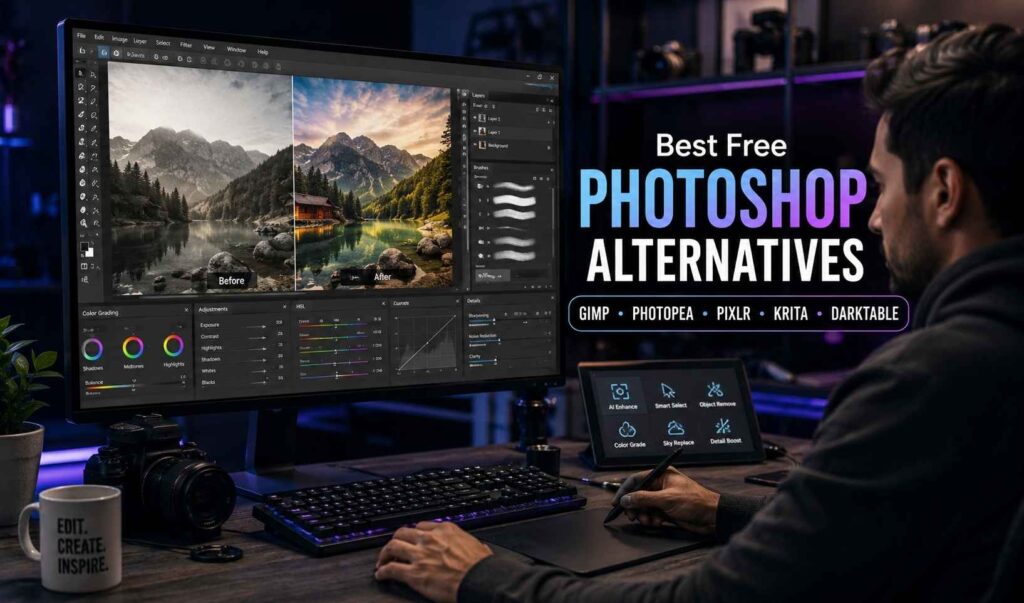
Is There a Free Equivalent to Photoshop?
Yes, several free programs provide functionality similar to Photoshop.
Best Free Photoshop Alternatives
Some of the best options include:
- GIMP
- Photopea
- Pixlr
- Krita
- Darktable
Each platform serves different editing needs, so choosing the right one depends on your workflow and experience level.
Final Thoughts
Today you can find free photo editing applications much easier than it was just a few years back. No matter if it’s quick and easy mobile edits that you need or advanced desktop retouches; there are amazing free photo editing apps out there for every type of user. Learning to edit your photos professionally, by using basic editing skills, can drastically improve your visual content on social media as well as no matter what type of creator or seller you are.
If you’re using free online tools such as Canva, Snapseed, GIMP, Photopea, or Pixlr, you can create high-quality images without paying for expensive software. Visual content will continue to be the main method used by companies, photographers, online sellers, and all types of creators to market themselves and their brands and so photo editing skills will always be in demand.
TAGS
