

In the past, only trained and experienced graphic designers and photographers could use editing software like Photoshop or Adobe Illustrator to create images. Now, anyone has the ability to make amazing images using free websites with very easy-to-use online editing tools.
An extremely popular way to edit images is by using photo blending techniques to combine two or more separate images into one unique and artistic composite image.Photo blending can be done using free online blending tools. With these tools, you can quickly produce artwork, graphics for social media, web banners, and advertising images all within a matter of minutes. The convenience of these tools is what has made them so popular; they are quick and easy to use (for beginners), and can be accessed from virtually any computer or mobile device.
No matter who you are (i.e., content creator, visual designer, student, marketer, business owner), modern photo blending tools allow you to create visually appealing and consistent images that appear as if they were designed by a professional designer with advanced knowledge of editing software.
If you want more editing tips and creative resources, visit the Saivion India Photo Editing Software Blog.
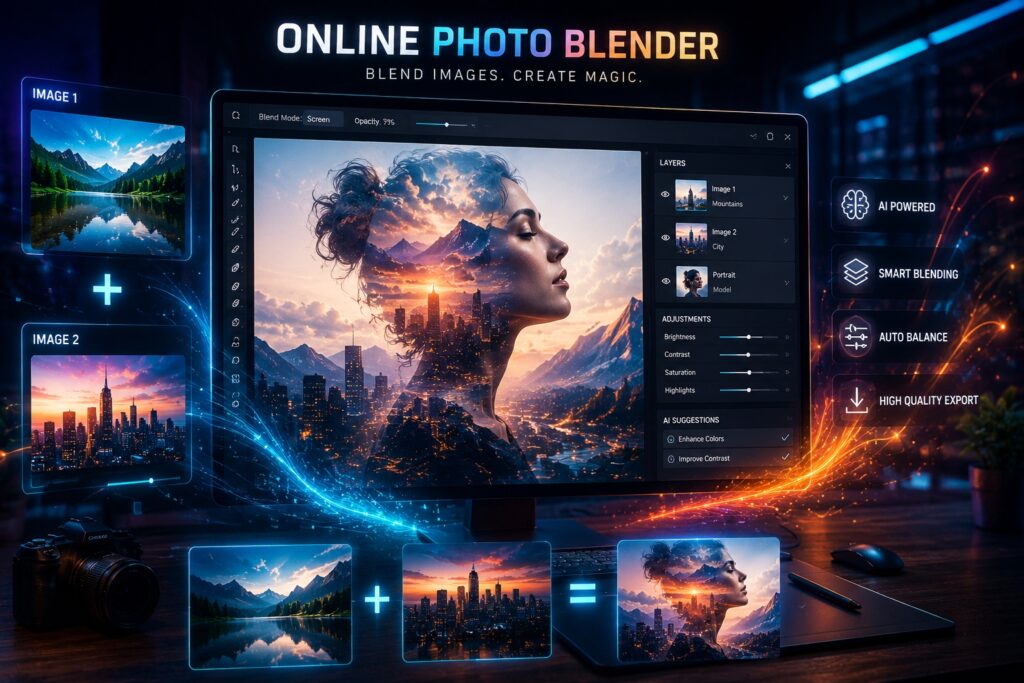
What Is an Online Photo Blender?
An online photo blender is a digital editing application that allows users to blend together multiple images into one cohesive and attractive composition. The user can seamlessly join multiple images together by using transparency effects, overlays, lighting adjustments, and blending modes. Most of these applications also have a drag-and-drop feature, so users can upload their photos into the application and get started right away, which makes it easy for new users to become proficient with the application quickly.
Photo blending is often used to produce graphics for general creative purposes, produce works of art, create social media content, and produce marketing visuals.
Why Picture Blender Online Free Tools Are Trending
When it comes to creating content, high-quality visuals are essential. Good quality images help draw people’s interest quickly, and they also increase interaction rates across all digital channels.
As a result, the picture blender online free tools are becoming extremely popular for businesses and creators alike.
Easy for Beginners
Most online blending tools are designed with simple interfaces. Users do not need professional editing experience to create impressive visuals.
Uploading photos and applying effects usually takes only a few clicks.
No Software Download Needed
Traditional editing software often requires installation and powerful systems. Online tools work directly from browsers on laptops, tablets, and smartphones.
This makes editing more flexible and accessible.
Free Editing Features
Many platforms provide free blending tools with creative overlays, transparency controls, and AI-powered enhancements.
Users can create professional-looking graphics without purchasing expensive software.
Creative Design Possibilities
Photo blending allows users to experiment with artistic effects and layered compositions.
Creative visuals help brands and creators stand out online.
How to Use an Online Photo Blender
Many users want to know how these tools work. The process is usually simple and beginner-friendly.
Upload Your Photos
Start by selecting the images you want to blend together. High-quality photos generally produce cleaner and sharper results.
Images with similar lighting often blend more naturally.
Choose a Blending Style
Most tools provide multiple blending modes such as overlay, fade, soft light, multiply, and double exposure effects.
Different styles create different artistic looks.
Adjust Transparency Settings
Opacity controls help users blend photos smoothly. Proper transparency creates balanced and realistic compositions.
This step is important for achieving professional results.
Apply Additional Editing
Many online blending tools also include filters, brightness controls, cropping, and color correction.
These extra features improve the overall quality of the final image.
Download the Final Design
Once editing is complete, users can download their blended image in high resolution.
The image can be used for social media, marketing, websites, or personal projects.
Best Features to Look for in a Photo Blender
Choosing the right online photo blender is important for achieving high-quality results. Different platforms provide different editing capabilities.
Here are some important features users should consider.
Smooth Image Blending
A good blending tool should merge photos naturally without harsh edges or poor transitions.
Clean overlays create more professional visuals.
High-Resolution Export
Sharp image quality is important for websites, marketing graphics, and promotional materials.
High-resolution downloads improve overall presentation.
AI-Powered Editing
Modern AI tools automatically improve lighting, color balance, and image clarity.
These features help beginners create polished visuals quickly.
Layer Editing Support
Advanced platforms allow users to adjust layers individually.
This gives greater control over creative editing.
Mobile Compatibility
Many users edit photos from mobile devices.
Responsive editing tools improve convenience across smartphones and tablets.
Why Free Photo Editing Software Is Important
Modern free photo editing software has made creative design accessible for everyone. Earlier, advanced editing tools were only available through expensive subscriptions.
Today, free online platforms allow users to create professional-quality visuals easily.
Budget-Friendly Editing
Students, freelancers, and small businesses often prefer free editing tools to reduce costs.
Online photo blending tools provide affordable creative solutions.
Faster Workflow
AI-powered editing tools automate tasks such as blending, lighting correction, and color enhancement.
This speeds up the editing process significantly.
Easy Learning Curve
Most free editing tools are designed for beginners.
Simple interfaces make editing less complicated for new users.
Creative Flexibility
Photo blending allows users to experiment with multiple artistic styles and effects. Creative editing improves visual storytelling and audience engagement.
Common Uses of Picture Blender Online Free Tools
Photo blending tools are widely used for creative and professional purposes.
Social Media Graphics
Creators use blended images to make social media posts more engaging and visually attractive.
Creative visuals often improve audience interaction.
Marketing Banners
Businesses use blended images for advertisements, promotional campaigns, and digital banners.
Professional graphics help brands stand out online.
Artistic Photography
Photographers use blending effects to create cinematic and creative photo compositions.
Layered visuals improve artistic impact.
Website Design
Web designers use blended images for homepage banners and landing page graphics.
Strong visuals improve website appearance and branding.
YouTube Thumbnails
Content creators use blending effects to create eye-catching thumbnails that attract more clicks.
High-quality visuals improve viewer attention.
Tips for Better Photo Blending Results
Even the best editing tools perform better when users follow proper editing techniques.
Use High-Quality Images
Clear and sharp images produce cleaner blended effects. Low-quality photos can reduce overall visual quality.
Match Lighting Conditions
Photos with similar lighting blend more naturally. Balanced brightness improves realism.
Avoid Too Many Effects
Overusing filters and overlays may make visuals look cluttered. Simple blending often looks more professional.
Balance Transparency Carefully
Proper opacity settings help create smooth image transitions. Balanced blending improves overall design quality.
Experiment with Different Modes
Different blending modes create different artistic styles. Trying multiple effects helps users discover better creative combinations.
How AI Is Transforming Online Photo Editing
Artificial intelligence is changing the future of digital editing rapidly. Many online photo blender platforms now use AI-powered systems to simplify editing tasks.
AI tools can:
- Improve image sharpness
- Adjust colors automatically
- Remove unwanted distractions
- Enhance lighting conditions
- Apply creative overlays
- Blend photos naturally
These features help users create professional-quality graphics without advanced editing skills.
Benefits of Online Editing Platforms
Online editing tools provide flexibility and convenience for modern creators.
Edit from Any Device
Users can access editing tools from laptops, smartphones, and tablets. This improves editing flexibility.
No Heavy Software Needed
Online tools eliminate the need for large software installations. This saves storage space and improves accessibility.
Faster Feature Updates
Cloud-based platforms update features regularly without requiring manual downloads. Users always access the latest tools and AI improvements.
Better Team Collaboration
Online editing platforms make it easier for teams to share and review projects. This improves workflow communication.
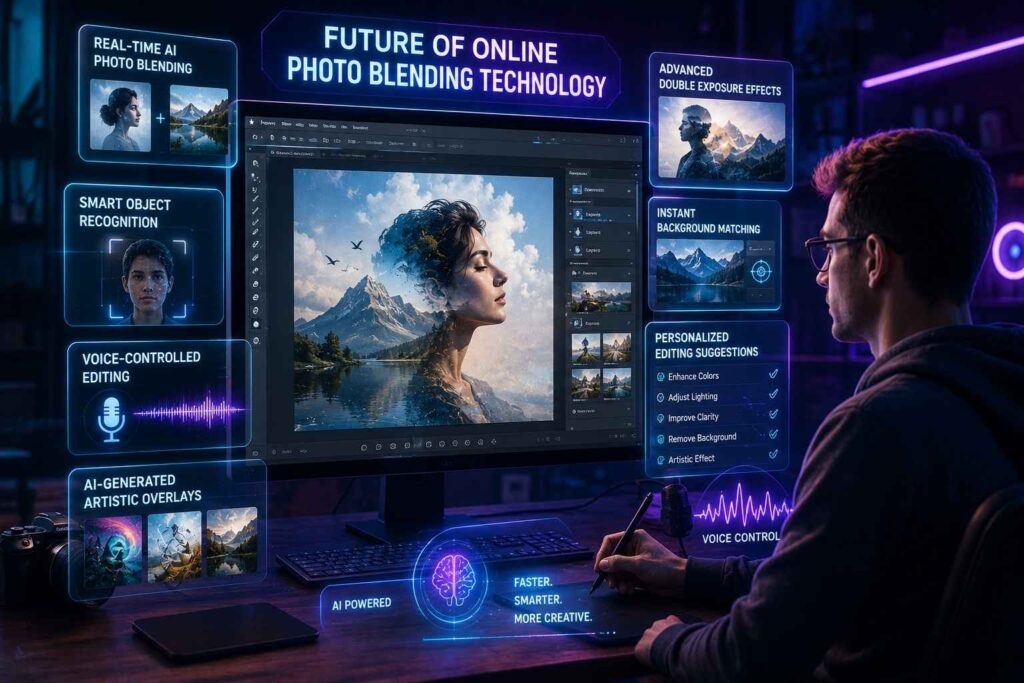
Future of Online Photo Blending Technology
Photo editing technology continues evolving rapidly. Future blending tools may become even smarter and more creative.
Upcoming innovations may include:
- Real-time AI photo blending
- Smart object recognition
- Voice-controlled editing
- AI-generated artistic overlays
- Advanced double exposure effects
- Instant background matching
- Personalized editing suggestions
As AI technology grows, online editing will become faster, smarter, and more accessible.
Final Thoughts
Photo blending is an easy approach to producing creative visuals and professional photos. Nowadays, most photo editing tools allow the user to blend photographs without having advanced technical expertise.
No matter if the user needs a photo blender free or if they are using it for social media, marketing, photography, or any other creative reason, there is an available platform that can assist the user in quickly producing an effective solution. Additionally, with the use of AI, these tools enable individuals who are new to creating professional quality designs to do so as they do so.
From a creative standpoint, the tools available today can change how artists create, while continuing to evolve the way that people create online.
TAGS
